
AI workstation buying guide
Build a Local AI Workstation
Choose storage, display, connectivity, controls, and audio around the AI work you will actually do—not around a list of impressive specifications.
$350–$4,500+ planning rangeBuild this setupBuying guides
Use a short selector, compare good/better/best paths, and understand compatibility before following a product link.
AI workstation buying guide
Choose storage, display, connectivity, controls, and audio around the AI work you will actually do—not around a list of impressive specifications.
$350–$4,500+ planning rangeBuild this setup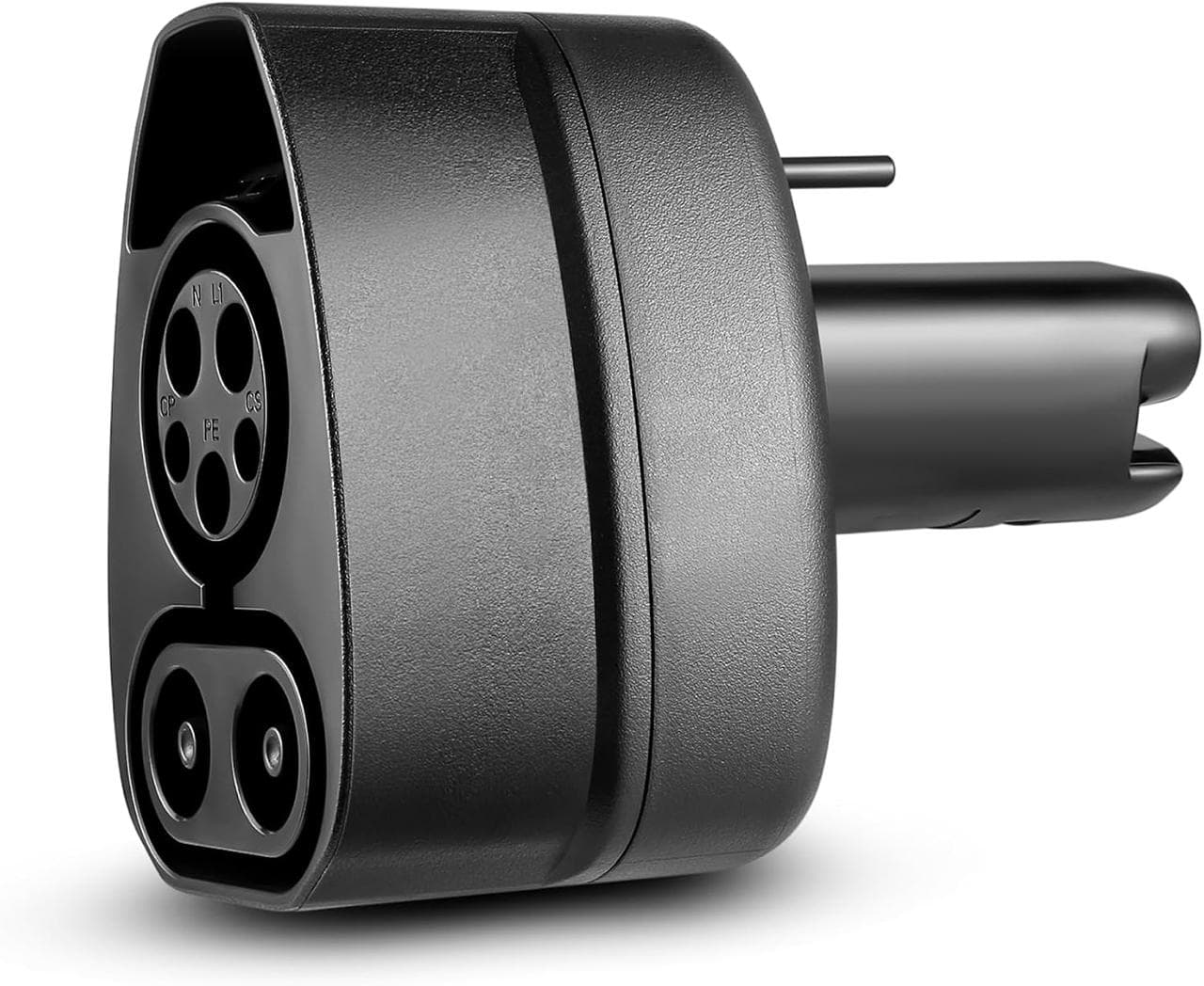
EV compatibility guide
Start with the vehicle inlet and charging level. These two adapters solve opposite problems and are not interchangeable.
$75–$350 planning rangeBuild this setup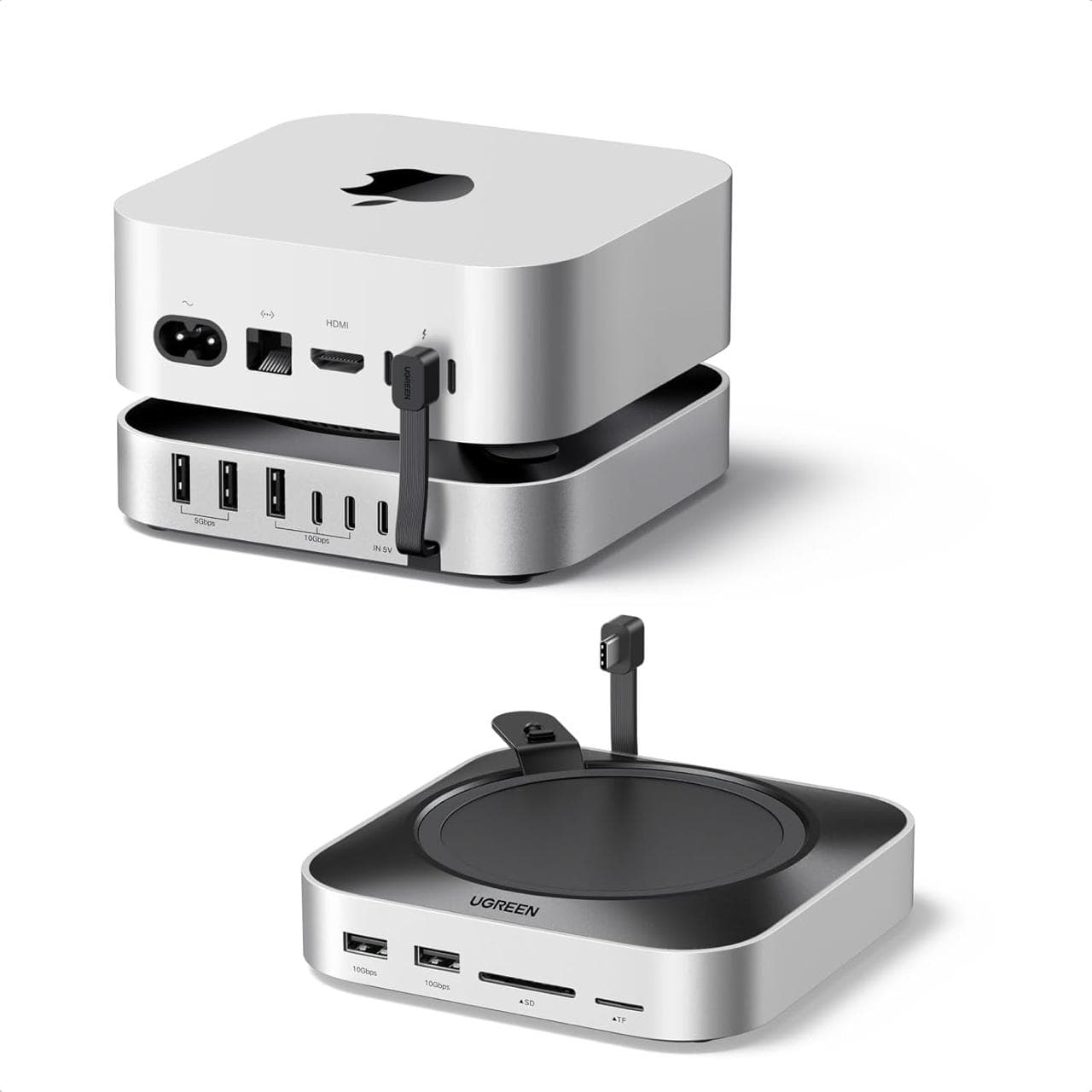
Compact Mac buying guide
Turn a compact Mac mini into a practical daily workstation with accessible ports, storage, secure input, and an appropriately sized display.
$250–$3,800+ planning rangeBuild this setup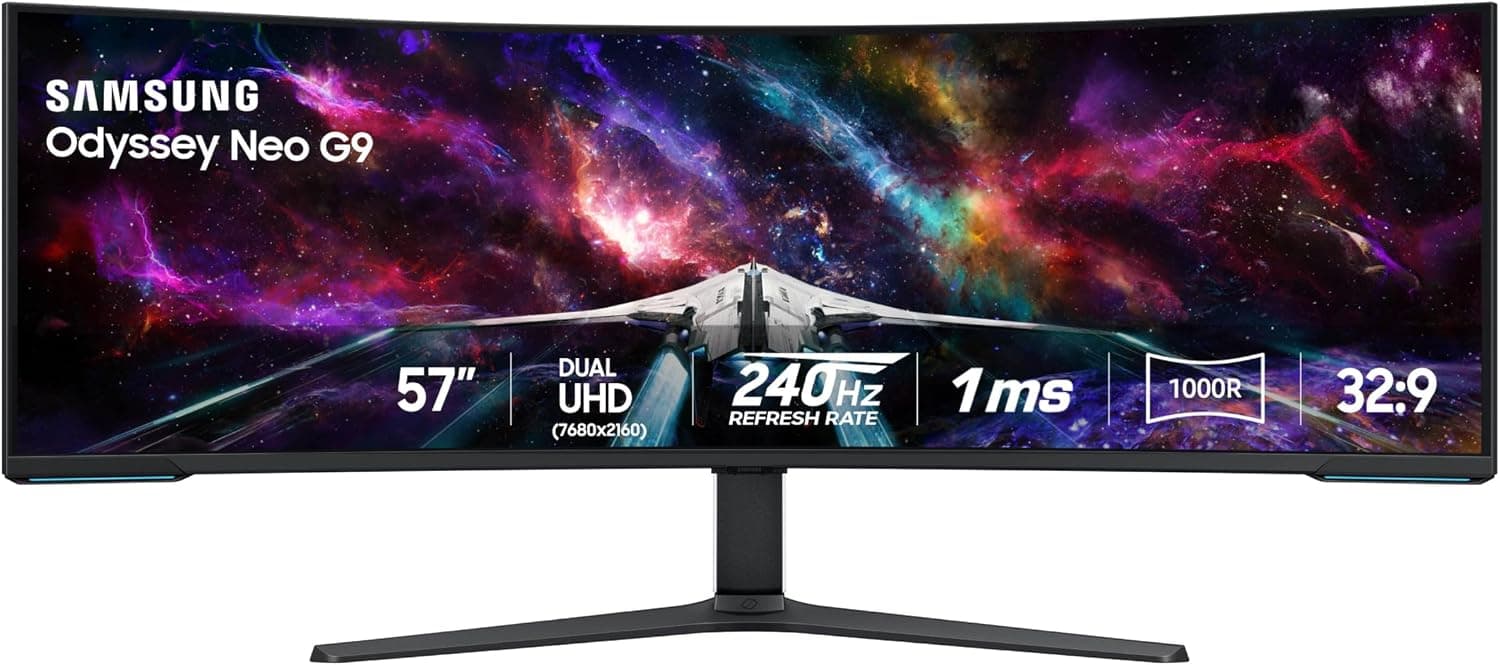
Creative-work buying guide
Build around the work that consumes time: editing, asset review, analytics, audio monitoring, file transfer, and keeping campaigns organized.
$250–$4,500+ planning rangeBuild this setupData-protection buying guide
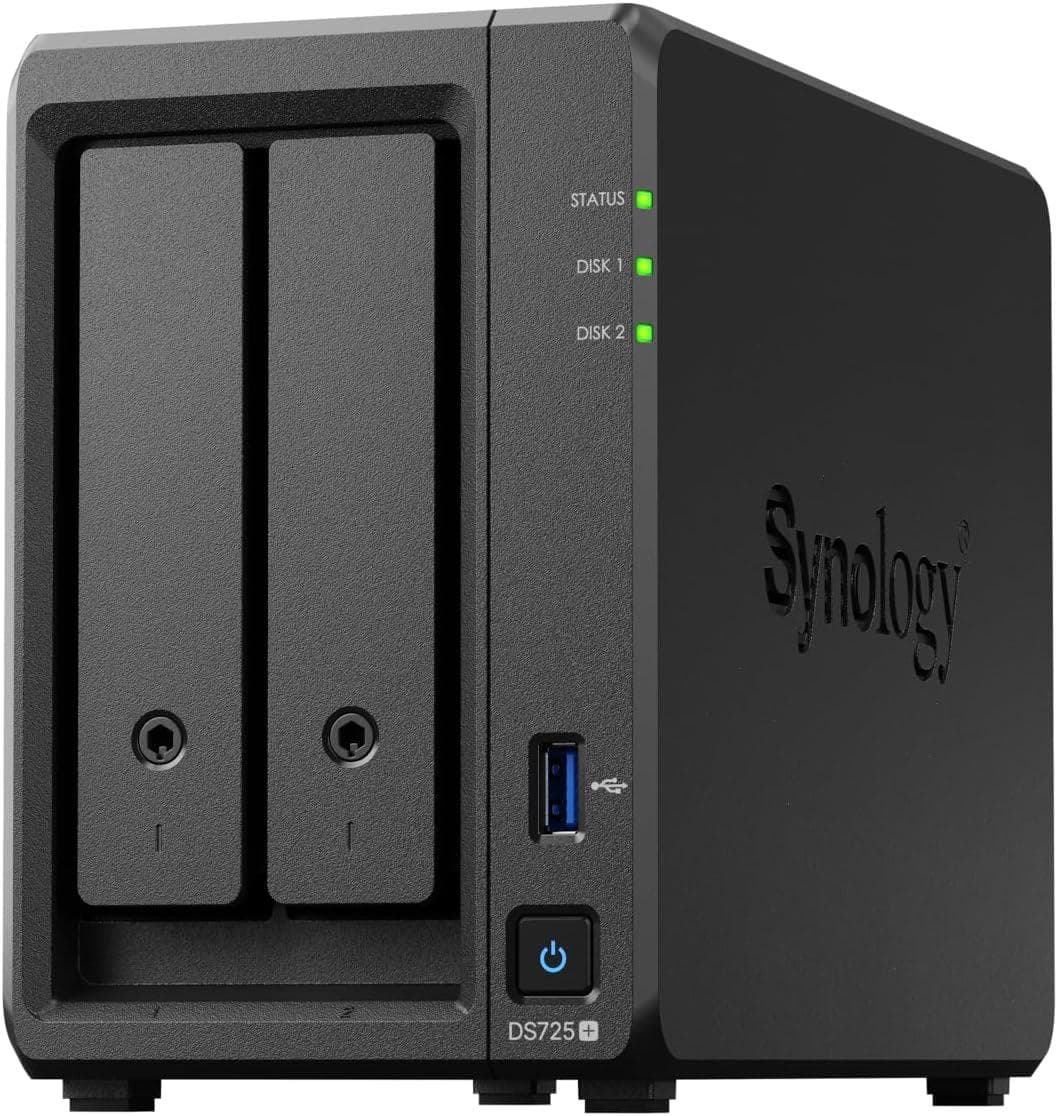
Use a NAS as one layer in a documented backup plan—not as a magical box that makes data loss impossible.
$700–$2,500+ planning rangeBuild this setup