Turn a compact Mac mini into a practical daily workstation with accessible ports, storage, secure input, and an appropriately sized display.
Estimated setup range$250–$3,800+Accessory planning range only. Mac mini, NVMe drive, tax, and live merchant pricing are excluded.
Quick selector
What kind of Mac mini desk are you building?
Choose the closest fit. The matching plan is highlighted below; you can still compare all three.
Good · clean everyday setup
$250–$650
Add useful front-facing ports, optional NVMe expansion, and a comfortable pointing device.
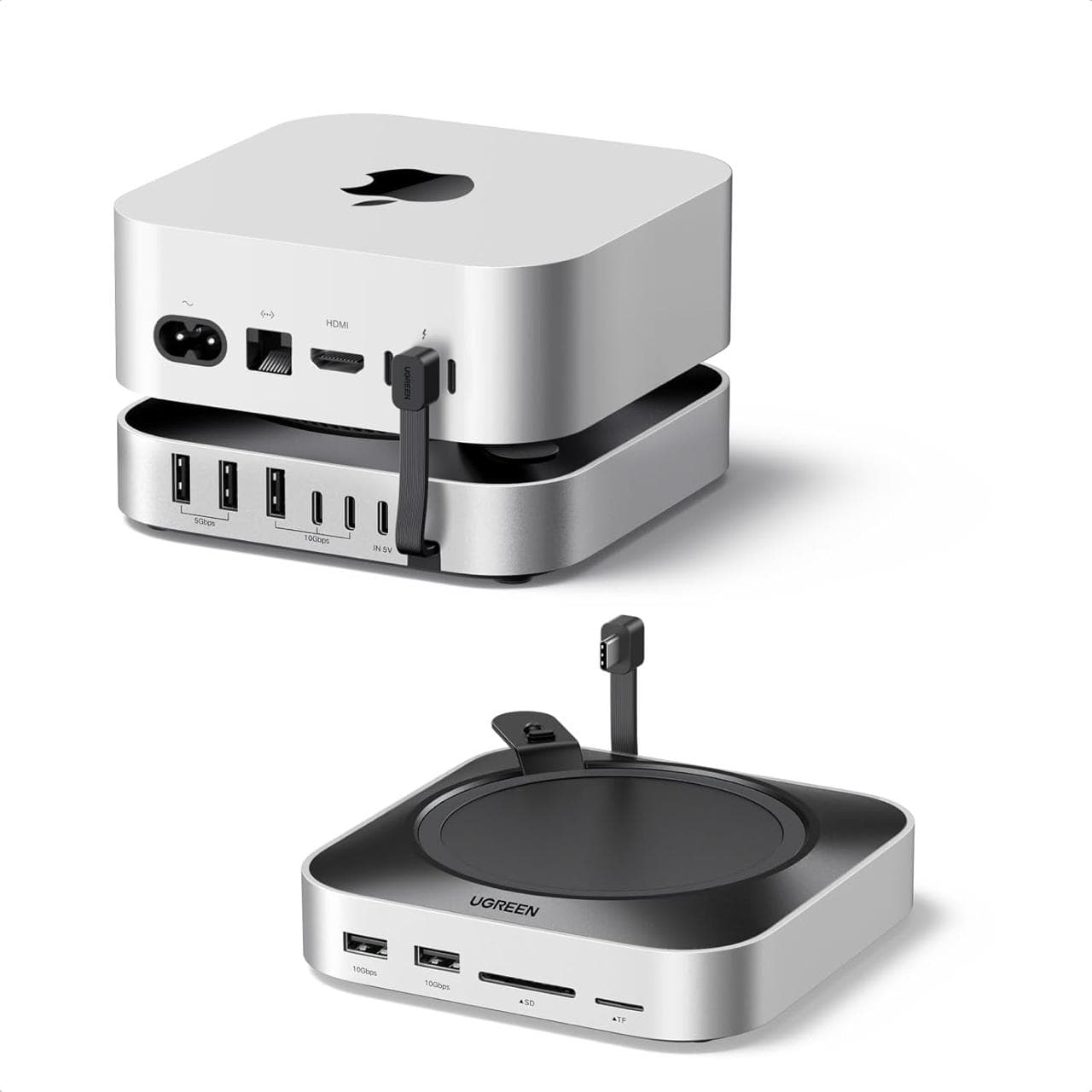
UGREEN Mac mini Dock & Stand with NVMe SSD Enclosure
This is a practical way to solve three Mac mini desk problems at once: limited front-access connectivity, the need for additional local storage, and a cleaner place to position the computer. Combining the stand, hub, and NVMe enclosure reduces the number of separate accessories on the desk. Because Mac mini generations and SSD requirements vary, buyers should verify the exact model and specifications shown on Amazon before ordering.
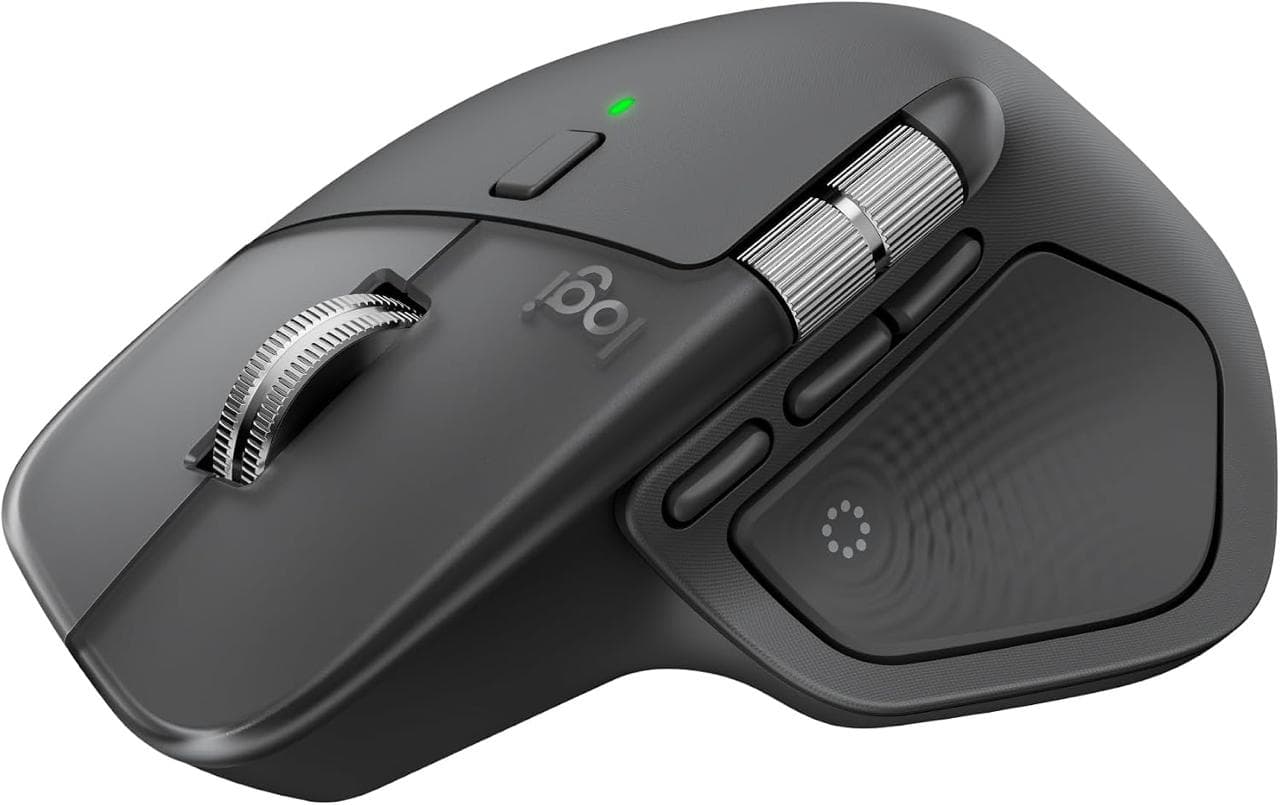
The MX Master line is built around productivity rather than basic pointer movement. This model combines an ergonomic shape, fast precision scrolling, quiet clicks, an 8K DPI sensor designed to track on challenging surfaces, and controls for moving between devices. Those features are especially useful for business owners, editors, designers, and anyone who spends most of the day working across several applications or computers.
Add Touch ID, a numeric keypad, and separate backup storage for serious administrative work.
UGREEN Mac mini Dock & Stand with NVMe SSD Enclosure
This is a practical way to solve three Mac mini desk problems at once: limited front-access connectivity, the need for additional local storage, and a cleaner place to position the computer. Combining the stand, hub, and NVMe enclosure reduces the number of separate accessories on the desk. Because Mac mini generations and SSD requirements vary, buyers should verify the exact model and specifications shown on Amazon before ordering.
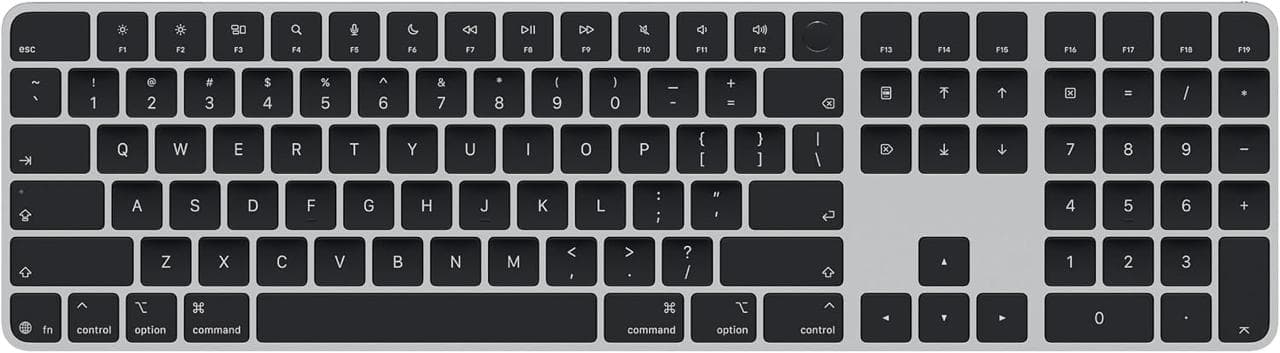
Apple Magic Keyboard with Touch ID and Numeric Keypad — Black Keys
For a Mac-based business workstation, this keyboard combines secure Touch ID authentication with the efficiency of a full numeric keypad. It is especially useful for spreadsheets, bookkeeping, estimates, and administrative work where compact keyboards slow down number entry. The Apple layout and system controls also reduce the friction that can come with adapting a generic PC keyboard to macOS.
The MX Master line is built around productivity rather than basic pointer movement. This model combines an ergonomic shape, fast precision scrolling, quiet clicks, an 8K DPI sensor designed to track on challenging surfaces, and controls for moving between devices. Those features are especially useful for business owners, editors, designers, and anyone who spends most of the day working across several applications or computers.
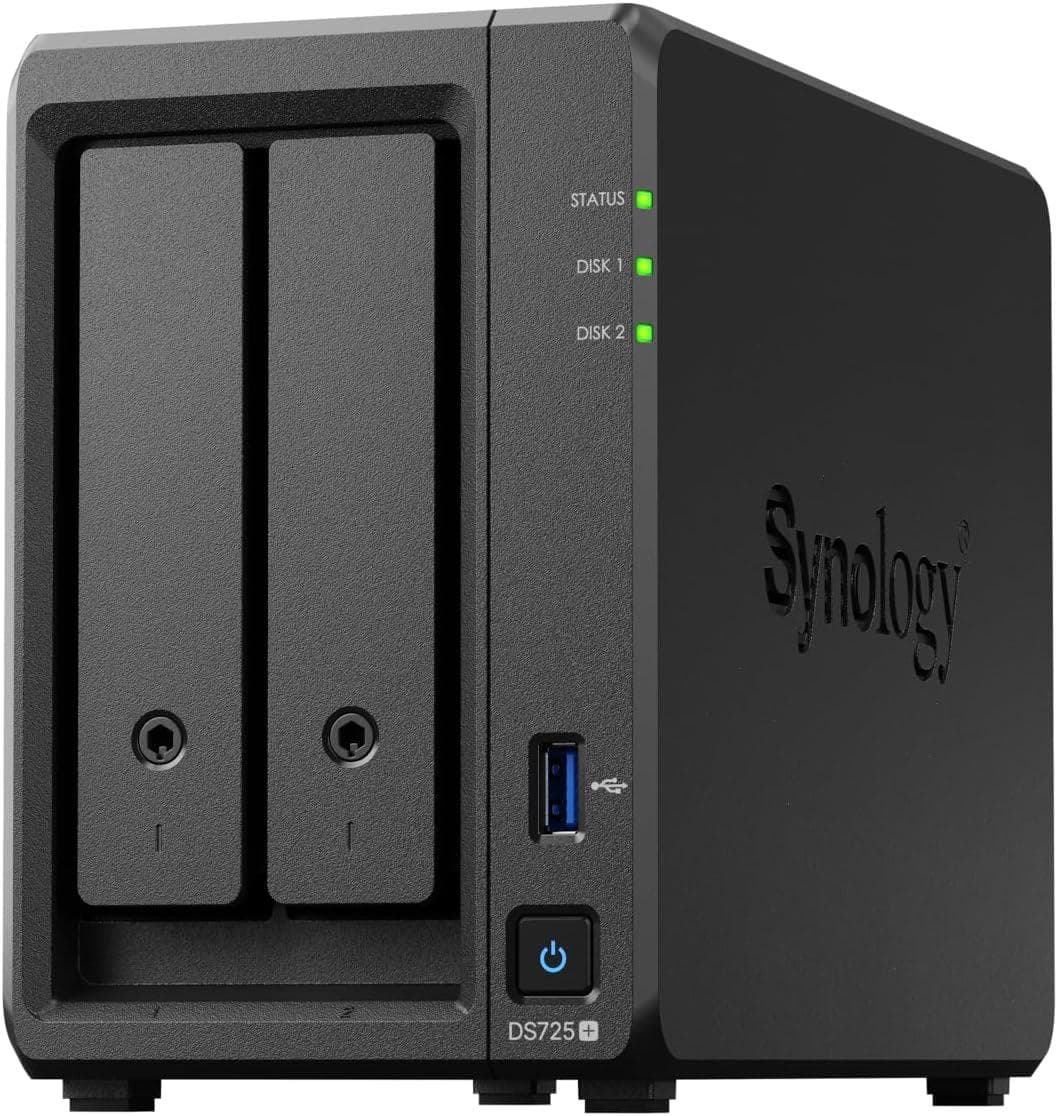
The DS725+ is a compact foundation for business backups, shared files, private-cloud access, and other always-on storage tasks. It combines two front-accessible drive bays with faster 2.5GbE networking, dual M.2 slots, and expansion support, giving a small deployment room to grow without starting with a large chassis. The diskless configuration also lets buyers choose drives for their own balance of capacity, endurance, and performance.
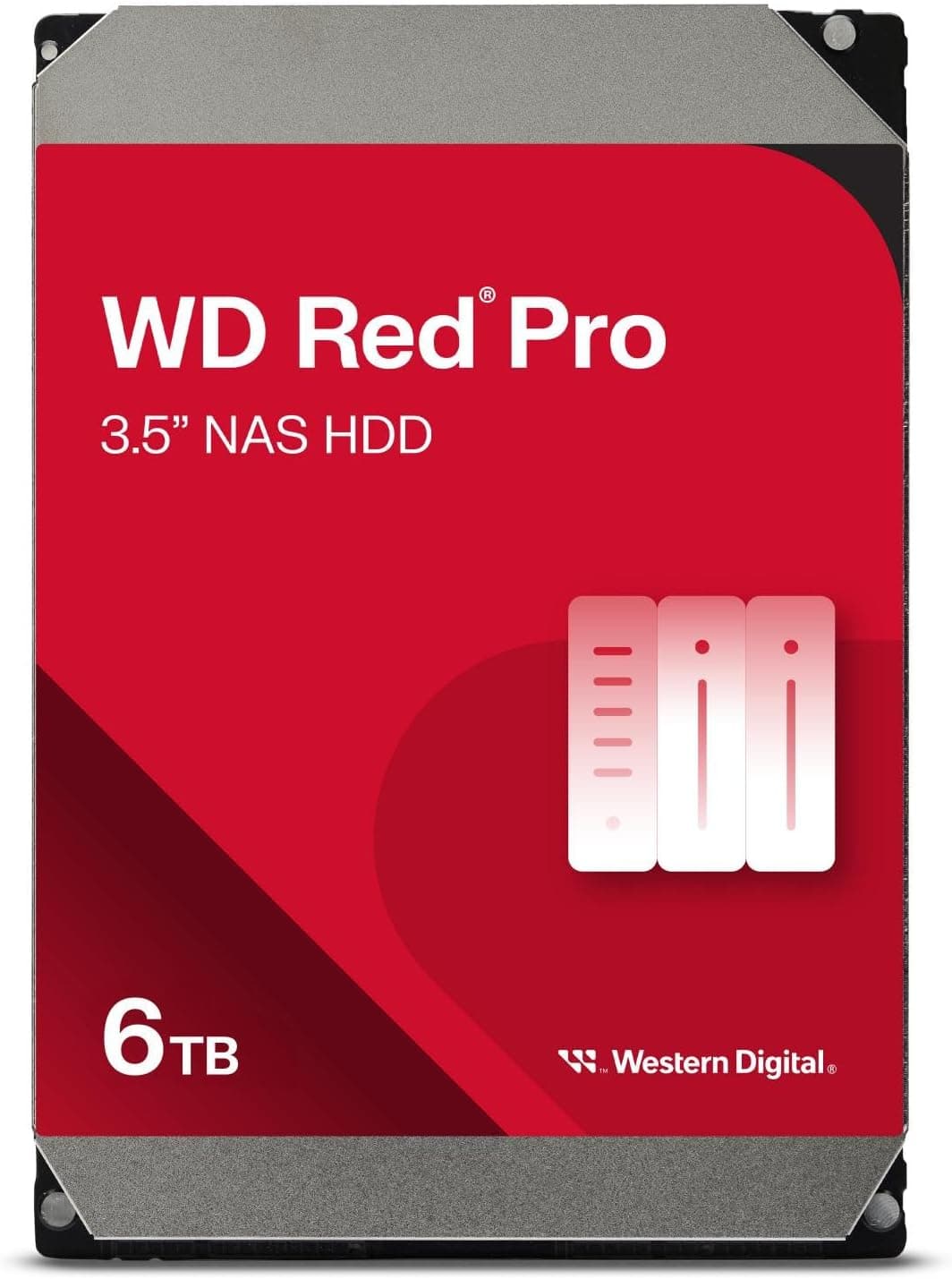
The WD6005FFBX is purpose-built for NAS duty and uses conventional magnetic recording (CMR), which is preferable to drive-managed SMR for sustained array writes and rebuilds. Its 6TB capacity is a practical starting point for a two-bay business NAS: two matching drives can support a mirrored layout while leaving meaningful space for backups, shared project files, media, and local AI assets. The important purchase decision is compatibility—not the label alone—so verify the exact NAS and software support before ordering, especially with newer Synology systems that may apply drive-list notices or restrictions.
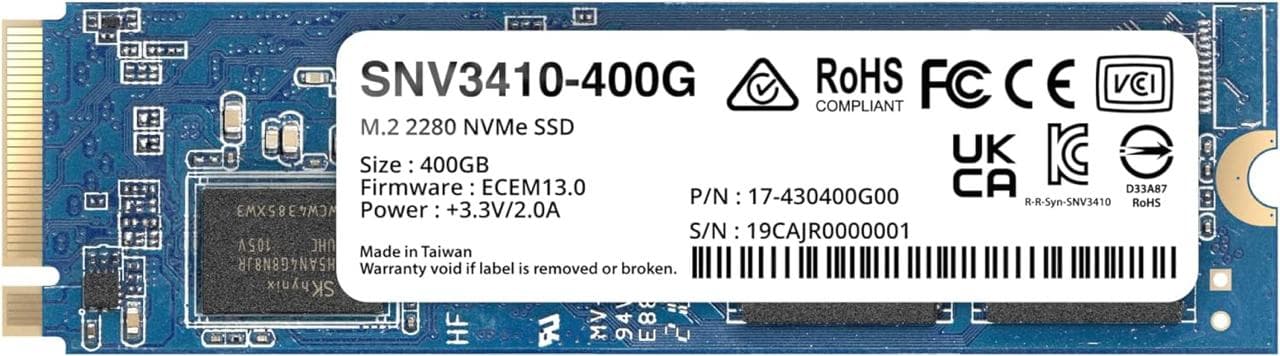
The SNV3410-400G is designed specifically for sustained workloads in compatible Synology systems rather than general desktop use. Synology lists up to 3,100 MB/s sequential read performance, up to 1,000 MB/s sequential write performance, and an endurance rating above 1,000 TBW. For a supported NAS, the principal advantage is the combination of enterprise-oriented endurance, DSM-integrated health monitoring, and firmware updates that can be applied without removing the drive. It is most compelling when compatibility and predictable NAS behavior matter more than buying the least-expensive generic NVMe drive.
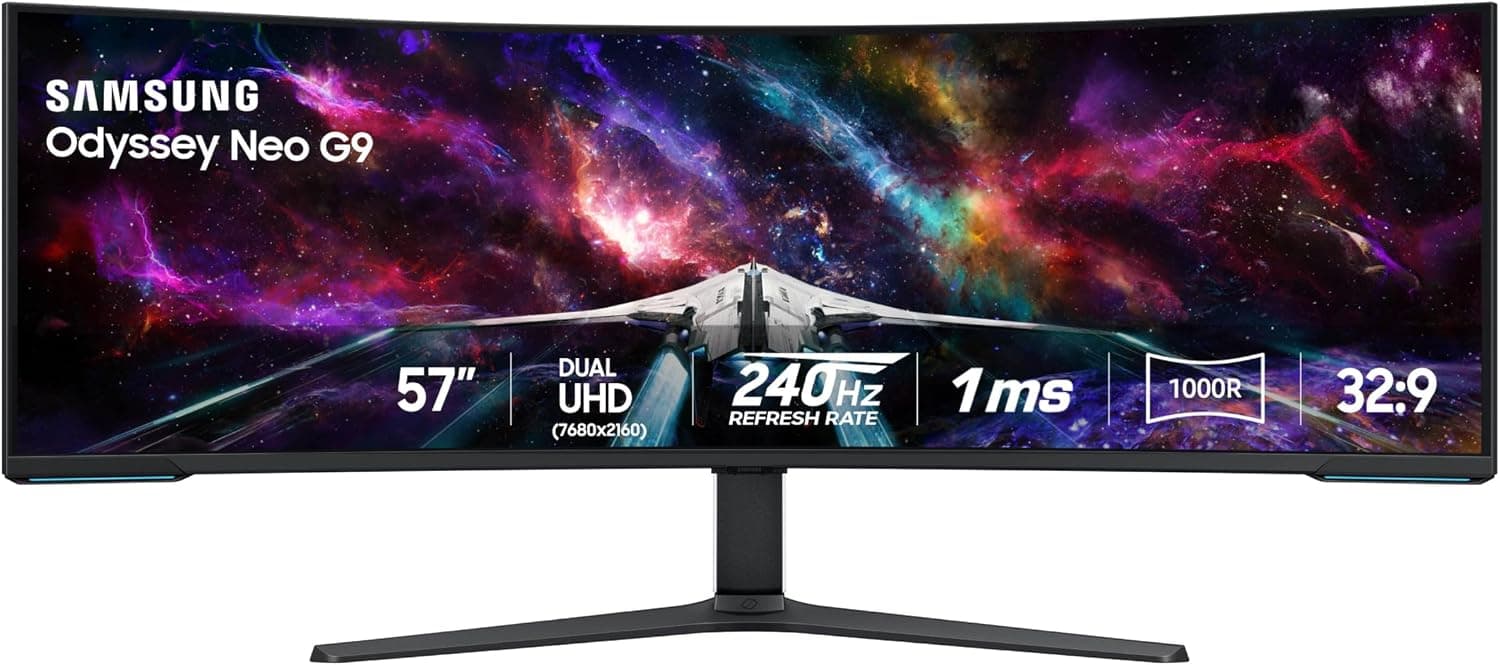
The 57-inch Odyssey Neo G9 replaces a dual-monitor arrangement with one continuous 7680 × 2160 workspace. Its 1000R curve, fast refresh capability, Mini-LED backlighting, and wide 32:9 format make it especially compelling for immersive gaming, simulation, editing timelines, analytics, and dense multitasking. It is a specialized premium display: buyers should verify that their computer can drive the desired resolution and refresh rate and that their desk can safely accommodate its substantial size and curve.
UGREEN Mac mini Dock & Stand with NVMe SSD Enclosure
This is a practical way to solve three Mac mini desk problems at once: limited front-access connectivity, the need for additional local storage, and a cleaner place to position the computer. Combining the stand, hub, and NVMe enclosure reduces the number of separate accessories on the desk. Because Mac mini generations and SSD requirements vary, buyers should verify the exact model and specifications shown on Amazon before ordering.
Apple Magic Keyboard with Touch ID and Numeric Keypad — Black Keys
For a Mac-based business workstation, this keyboard combines secure Touch ID authentication with the efficiency of a full numeric keypad. It is especially useful for spreadsheets, bookkeeping, estimates, and administrative work where compact keyboards slow down number entry. The Apple layout and system controls also reduce the friction that can come with adapting a generic PC keyboard to macOS.
The MX Master line is built around productivity rather than basic pointer movement. This model combines an ergonomic shape, fast precision scrolling, quiet clicks, an 8K DPI sensor designed to track on challenging surfaces, and controls for moving between devices. Those features are especially useful for business owners, editors, designers, and anyone who spends most of the day working across several applications or computers.
The DS725+ is a compact foundation for business backups, shared files, private-cloud access, and other always-on storage tasks. It combines two front-accessible drive bays with faster 2.5GbE networking, dual M.2 slots, and expansion support, giving a small deployment room to grow without starting with a large chassis. The diskless configuration also lets buyers choose drives for their own balance of capacity, endurance, and performance.
The WD6005FFBX is purpose-built for NAS duty and uses conventional magnetic recording (CMR), which is preferable to drive-managed SMR for sustained array writes and rebuilds. Its 6TB capacity is a practical starting point for a two-bay business NAS: two matching drives can support a mirrored layout while leaving meaningful space for backups, shared project files, media, and local AI assets. The important purchase decision is compatibility—not the label alone—so verify the exact NAS and software support before ordering, especially with newer Synology systems that may apply drive-list notices or restrictions.
The SNV3410-400G is designed specifically for sustained workloads in compatible Synology systems rather than general desktop use. Synology lists up to 3,100 MB/s sequential read performance, up to 1,000 MB/s sequential write performance, and an endurance rating above 1,000 TBW. For a supported NAS, the principal advantage is the combination of enterprise-oriented endurance, DSM-integrated health monitoring, and firmware updates that can be applied without removing the drive. It is most compelling when compatibility and predictable NAS behavior matter more than buying the least-expensive generic NVMe drive.
Planning ranges are estimates, not advertised prices. Verify current price, specifications, availability, and compatibility with the merchant before purchasing. We may earn a commission from qualifying purchases.
Before you buy
Compatibility comes first.
Confirm the dock supports your exact Mac mini generation and intended NVMe drive.
Touch ID requires a compatible Apple silicon Mac and supported operating system.
Verify display resolution, refresh rate, ports, desk depth, and cable requirements before choosing a premium monitor.